


How to Use StenoMitra | स्टेनोमित्र का उपयोग कैसे करें
A simple step-by-step guide to get started with StenoMitra. Follow these easy steps to begin your stenography practice journey.
How to Use StenoMitra 🚀
स्टेनोमित्र का उपयोग कैसे करें - एक आसान गाइड
Getting started with StenoMitra is super easy! Follow these simple steps and you'll be practicing stenography in no time.
Step 1: Create Your Account 📝

English: Click on "Sign Up" and create your free account using your email or phone number.
हिंदी: "साइन अप" पर क्लिक करें और अपने ईमेल या फोन नंबर से मुफ्त खाता बनाएं।
💡 Tip: Use a valid email for password recovery!
Step 2: Complete Your Profile ✨

English: Fill in your basic details like name and preferred language (Hindi/English).
हिंदी: अपना नाम और पसंदीदा भाषा (हिंदी/अंग्रेजी) जैसी बुनियादी जानकारी भरें।
Step 3: Browse Dictations 📚

English: Go to the Dictations section from the sidebar to see all available practice materials.
हिंदी: सभी उपलब्ध अभ्यास सामग्री देखने के लिए साइडबार से डिक्टेशन सेक्शन पर जाएं।
Step 4: Select a Dictation 🎯

English: Click on any dictation to open it. You'll see the title, speed, and word count.
हिंदी: किसी भी डिक्टेशन पर क्लिक करें। आपको शीर्षक, गति और शब्द संख्या दिखेगी।
Step 5: Configure Practice Settings ⚙️

English: Before starting, set your practice options:
- •Word Count - Choose how many words to practice (Auto Crop or custom)
- •Transcription Mode - Seen (with text) or Unseen (audio only)
- •Mistake Settings - Set penalty for spelling/capitalization/punctuation errors
हिंदी: शुरू करने से पहले, अपने अभ्यास विकल्प सेट करें:
- •शब्द संख्या - कितने शब्द अभ्यास करना है चुनें
- •ट्रांसक्रिप्शन मोड - Seen (टेक्स्ट के साथ) या Unseen (केवल ऑडियो)
- •गलती सेटिंग्स - स्पेलिंग/कैपिटलाइज़ेशन/पंक्चुएशन त्रुटियों के लिए पेनल्टी सेट करें
Step 6: Start the Dictation 🎧

English: Click Start Practice to begin. The audio will play automatically. Listen carefully and type what you hear!
हिंदी: शुरू करने के लिए Start Practice पर क्लिक करें। ऑडियो अपने आप चलेगा। ध्यान से सुनें और जो सुनें वो टाइप करें!
Controls available:
- •▶️ Play/Pause - Control the audio
- •🔁 Replay - Replay the audio if needed
- •⏸️ Pause Session - Save progress and continue later
Step 7: Submit Your Work ✍️

English: When you're done typing, click the Submit button. Your work will be automatically checked against the original text.
हिंदी: टाइपिंग पूरी होने पर, Submit बटन पर क्लिक करें। आपका काम स्वचालित रूप से मूल टेक्स्ट से चेक होगा।
Step 8: View Your Results 📊

English: After submitting, you'll see your detailed results including:
- •✅ Accuracy Percentage - How accurate your typing was
- •⚡ Typing Speed (WPM) - Words per minute
- •❌ Total Mistakes - Number of errors made
- •🎯 Pass/Fail Status - Based on your performance
हिंदी: सबमिट करने के बाद, आपको विस्तृत परिणाम दिखेंगे:
- •✅ एक्यूरेसी प्रतिशत - आपकी टाइपिंग कितनी सटीक थी
- •⚡ टाइपिंग स्पीड (WPM) - शब्द प्रति मिनट
- •❌ कुल गलतियाँ - की गई त्रुटियों की संख्या
- •🎯 पास/फेल स्टेटस - आपके प्रदर्शन के आधार पर
Step 9: Analyze Your Mistakes 🔍

English: Click on the Mistakes tab to see a word-by-word comparison. Each error is color-coded:
- •🟡 Yellow - Spelling mistakes
- •🔵 Blue - Capitalization errors
- •🟣 Purple - Punctuation mistakes
- •🔴 Red - Omitted words (words you missed)
- •🟠 Orange - Added words (extra words you typed)
हिंदी: शब्द-दर-शब्द तुलना देखने के लिए Mistakes टैब पर क्लिक करें। प्रत्येक त्रुटि रंग-कोडेड है:
- •🟡 पीला - वर्तनी की गलतियाँ
- •🔵 नीला - कैपिटलाइज़ेशन त्रुटियाँ
- •🟣 बैंगनी - विराम चिह्न गलतियाँ
- •🔴 लाल - छूटे हुए शब्द (जो आपने मिस किए)
- •🟠 नारंगी - अतिरिक्त शब्द (जो अतिरिक्त टाइप किए)
💡 Tip: Hover over any highlighted word to see the correct version!
Step 10: Check Your Practice History 📈

English: Go to Profile → History to see all your past practice sessions. You can:
- •📋 View all Completed dictations with scores
- •⏸️ Resume Paused sessions
- •⌨️ Check Typing practice stats
- •🔍 Search and filter by date or status
हिंदी: अपने सभी पिछले अभ्यास सत्र देखने के लिए Profile → History पर जाएं। आप:
- •📋 स्कोर के साथ सभी पूर्ण डिक्टेशन देखें
- •⏸️ रुके हुए सत्र जारी रखें
- •⌨️ टाइपिंग अभ्यास आंकड़े देखें
- •🔍 तारीख या स्थिति के अनुसार खोजें और फ़िल्टर करें
Quick Tips for Success 💪
- •Practice Daily - Even 30 minutes helps | रोज़ाना अभ्यास करें
- •Start Slow - Accuracy before speed | धीरे शुरू करें
- •Review Mistakes - Learn from your errors | गलतियों से सीखें
- •Stay Consistent - Regular practice is key | नियमित रहें
- •Track Progress - Check history regularly | प्रगति ट्रैक करें
Need Help? 🤝
We're here to support you!
- •📧 Email: support@stenomitra.com
- •💬 Community: Join our user community
- •📖 FAQ: Check our frequently asked questions
Happy Practicing! | शुभ अभ्यास! 🚀
— Team Steno Mitra
More articles
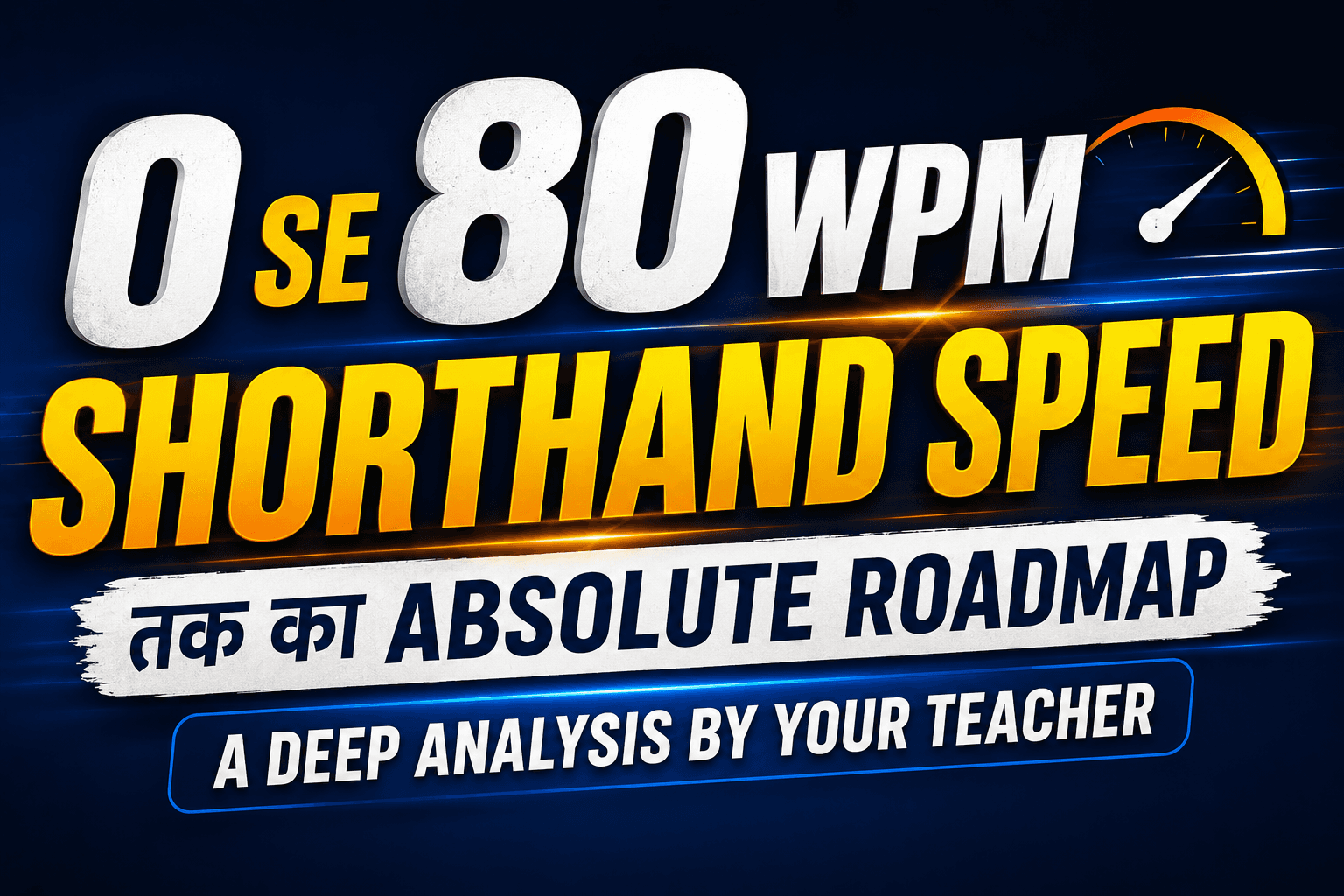
Shorthand Speed: 0 से 80 WPM तक का Absolute Roadmap
0 से 80 WPM तक Shorthand Speed बढ़ाने के लिए सिर्फ स्पीड नहीं, बल्कि Strong Basics, Smooth Flow, Accurate Outlines, Phrases Practice और Unseen Dictation पर कंट्रोल जरूरी होता है। शुरुआत में Theory और Rules को मजबूत करें, फिर Flow और Outline Collection पर काम करें, और आखिर में Punctuation व Unseen Mastery पर फोकस करें। सही Guidance, Daily Practice और 360° Analysis के साथ कोई भी छात्र 80 WPM तक पहुँच सकता है।
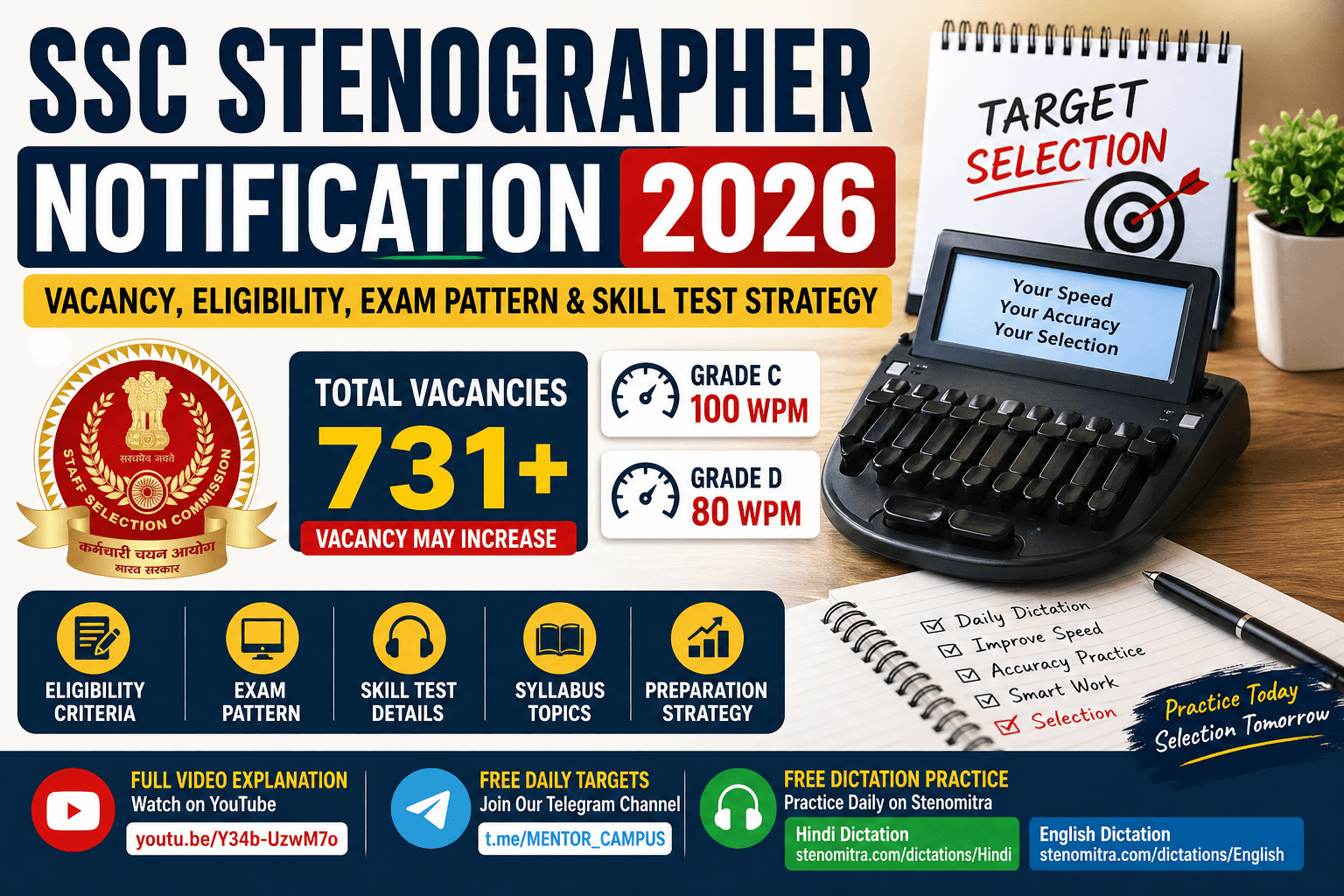
SSC Stenographer Notification 2026-27
SSC Stenographer Notification 2026 जारी! 731+ vacancies, eligibility, exam pattern, skill test speed और selection strategy की पूरी guide यहाँ पढ़ें।
Why StenoMitra Is Called India's #1 Shorthand Practice Platform in 2026
Looking for the best shorthand practice platform in 2026? Here is why serious SSC Stenographer aspirants prefer StenoMitra for daily speed, accuracy, and exam-focused practice.